BatchPCB


SteelSeries QcK mousepad

Posted


Category


Author

2007-12-16

Mousepads

Chris Fredriksson

Manufacturer

Supplier


Today we are taking a look at the QcK mousepad from SteelSeries. Short after our review with the Boogie Bug mousepads, SteelSeries wanted us to test their QcK mousepad.


The QcK mousepad is available in different dimensions and thickness, check the following list to see the different kind of dimensions.
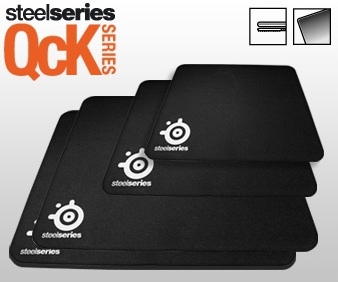


    SteelSeries QcK Heavy
  • Size: XXL
  • Heavy thickness eliminates uneven surfaces
  • 450 x 400mm (17,7 x 15,7in) - thickness 6mm (0,23in)
    SteelSeries QcK+
  • Size: XXL
  • 450 x 400mm (17,7 x 15,7in) - thickness 2mm (0,08in)
    SteelSeries QcK
  • Size: Medium
  • 320 x 270mm (12,6 x 10,6in) - thickness 2mm (0,08in)
    SteelSeries QcK Mini
  • Size: Small
  • 250 x 210mm (9,8 x 8,3in) - thickness 2mm (0,08in)

In our test lab today we have the normal, medium sized QcK from SteelSeries.
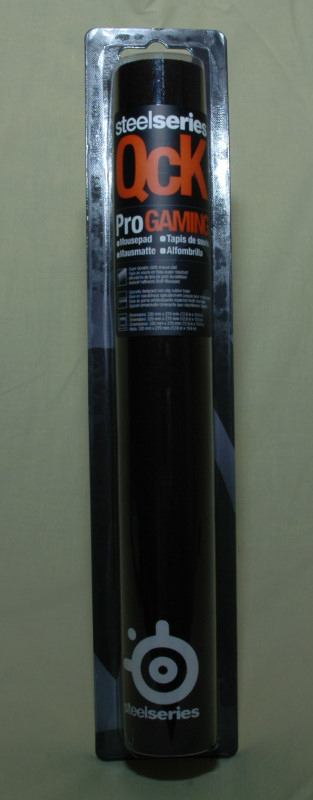


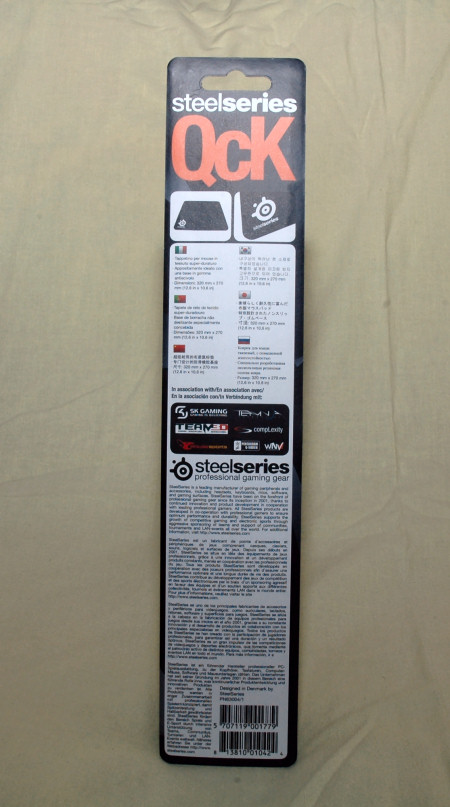
The QcK comes rolled in a tube-like package just like the Boogie Bug pads. It has a stylish design both on the information sticker on the front and well informational backside featuring several languages.

When we open up the package we find the rolled mousepad and some information sheets that show us their latest products. Earlier mousepads sold by SteelSeries included mouse skates as well, but that is not the case with our QcK mousepad.

Cloth mousepads are generally more forgiving and let you slip your mouse over it without any troubles. That was however not the case with the steel and plastic mousepads as they needed those teflon tapes to give you the right feeling.
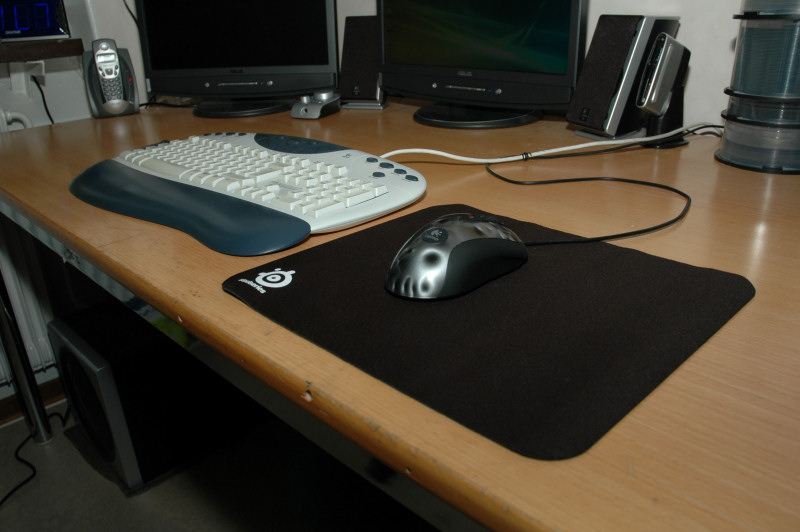


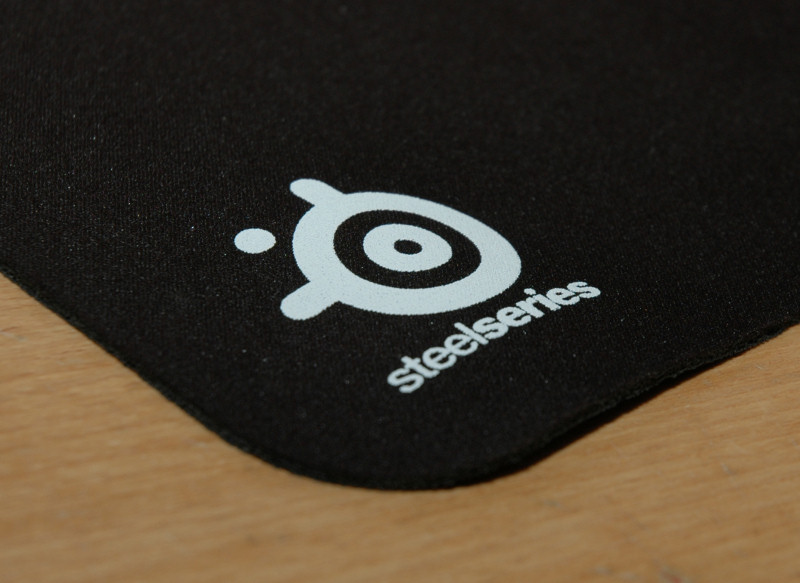
The base of our mousepad is, like the Boogie Bug pads and earlier plastic pads from SteelSeries, covered with a non-slip rubber.

The QcK medium sized mousepad is only 2mm thick. This, together with the high-quality cloth surface, should make up for a great mousepad. It shouldn’t wear off in the edge where you have your wrist.

You probably know that earlier cloth mousepads that had a thickness of more than 2mm will be worn down sooner or later quite well. Only time will tell how the Boogie Bug and SteelSeries mousepads will survive.

As always, a mousepad is tested with a mouse. I use my Logitech MX518, an optical high-quality gaming mouse. Tests were performed with my graphics program to edit pixel graphics for another project I’m working on.

I have also used the mousepad with my mouse in general usage with Windows Vista. Of course I’ve tried playing Quake 4 and Counter-Strike, that most of you know is two fast-paced games that require high-quality gear as well as quick reflexes.

The last of the two requirements may not be as good as it once was, but with a good mousepad and a well working mouse you get some help to perform those well needed headshots.

There is no doubt why many gaming teams use the gear that SteelSeries sell, they are very well working and they look good.

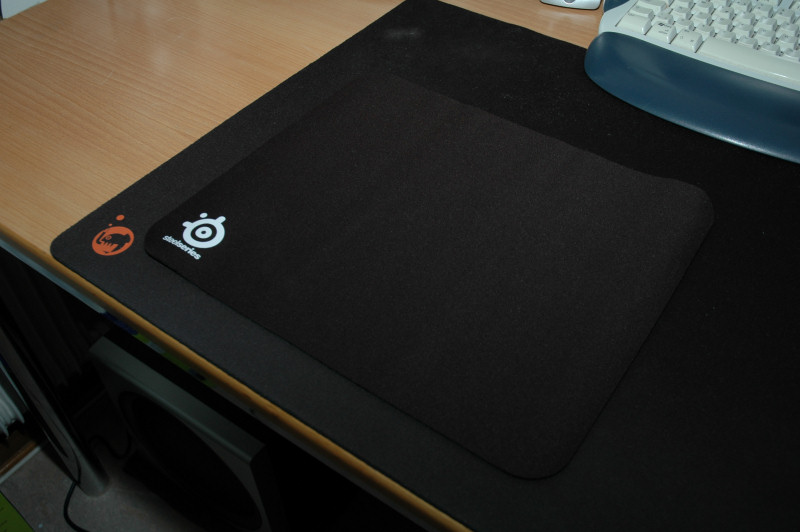
Compared to the Boogie Bug AIMB.Pad, it’s a tie. However it’s up to you if you like 2mm or 4mm thickness. No matter what though, I still love my XXL pad from Boogie Bug.


The following table will give you an idea of what I think of this product.
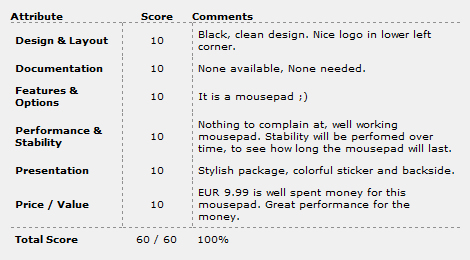


This product has scored 100%, which is no surprise as it only has one feature and it performs great at this, lonely feature ;)

I would like to thank Thomas at SteelSeries for sending me this mousepad.

swemod_award_gold
<- Previous page Next page ->


"Favourite" tools for: SteelSeries QcK mousepad


User Comments, for review: SteelSeries QcK mousepad
No comments posted, be the first to write a comment!


Write a comment
You must be registered and logged in to post comments.
Login | Register


Affiliate news
OCZ Technology Shutters Hypersonic-PC

> Techgage

OCZ Technology Shutters Hypersonic-PC
Over the past few months, it's become increasingly clear that OCZ has shifted its focus more towards its core products, and as a result, the company will no longer invest in things like cooling products, peripherals and so forth. Rather, it will focus on SSDs, memory and of course, power supplies. As I made my earlier post, I had wondered what OCZ's renewed focus would mean for Hypersonic-PC, and that was made clear to me earlier today.
OCZ Vertex Turbo 120GB SSD

> Techgage

OCZ Vertex Turbo 120GB SSD
Making the decision to upgrade to an SSD isn't difficult, but finding the "perfect" SSD is a different story thanks to the sheer amount of choice out there; sometimes even from the same vendor! Fortunately, OCZ's Vertex Turbo delivers a great blend of performance and GB per dollar, making it well worth consideration.
HIS Radeon HD 5670

> Tweaknews

HIS Radeon HD 5670
The HIS Radeon HD5670 is a very capable card for the cheap price of only US$89 at your favorite online retailer. Although it is not a screamer, at almost half the price of a HD5750, for the moderate gamer, it could be considered quite a deal for a videocard sporting such an impressive stock cooling solution.
4-Way Intel H55 Motherboard Shootout

> TechSpot

4-Way Intel H55 Motherboard Shootout
Right now there are a number of quality options for budget-conscious users looking to build a new computer. The AMD Phenom II X2 processor series, for example, will get you a fine deal of processing power at just $110 for the 3.2GHz flagship part. Combine this with the affordable AMD 785G based motherboards selling for around $70 and you have the makings of a seriously good value platform. However, if you are willing to part with a little more cash, then the new Intel Core i3 series might be the way to go. When compared to the dual-core Phenom II X2 555, consumers will pay about $20-$30 more for a Core i3 530 processor, while compatible Intel H55 motherboards are on average $20-$30 more than the AMD alternative as well. There are a number of H55 motherboards available at reasonable prices, so picking one for your next build is no easy task. Our round-up comprises 4 Intel H55 based motherboards from the likes of Asrock, Asus, ECS, and Gigabyte. With a narrow price range between $90 and $105, it all comes down to features and performance.
CiragoTV Pro CTP1000 Multimedia Player

> TestFreaks

CiragoTV Pro CTP1000 Multimedia Player
I’ve taken a look at a few media players here on TestFreaks and most are fairly decent and honestly they’re all pretty similar at least in the interfaces. Today for review I’ve got another one from Cirago called the CiragoTV Pro CTP1000. It’s a media player with HDMI, Component and Composite outputs so you can use it with any TV and it includes a 500gig hard drive for you storage. The CTP1000 also has a memory card reader and a USB port so you can read directly from memory cards, USB flash drives or USB hard drives so you can expand the storage or quickly view things without transferring them to the main hard drive. One thing about this product though is that it’s UBS only for transfers, there’s no networking with this unit, is that a good thing or a bad thing? Read on..
Able Planet True Fidelity NC300B

> Tweaknews

Able Planet True Fidelity NC300B
Able Planet as a company has really piqued my interest, too. They are committed to providing headphones for people with all levels of hearing. The Linx Audio technology aids in this by enhancing high frequency sounds where clarity is often lost in the early stages of hearing loss.
Customize Your Windows 7 Start Menu Bu

> TechSpot

Customize Your Windows 7 Start Menu Button
Windows users have been customizing their desktops in a variety of ways for years. Whether by downloading themes and backgrounds, or using third party applications to change more obscure settings like the default logon screen, many people seem intent on personalizing every aspect of their operating system to something that fits their individual taste. And what better to alter than an icon that's always visible? While we don't mind the Windows 7 Start Menu icon, and actually feel it's somewhat of a leap from the rectangular buttons of old, swapping out the orb for a new icon is quick and painless with the help of Kishan-Bagaria's Windows 7 Start Orb Changer. It even comes with a few examples to get you started.
Patriot Gamer-Series DDR3-1600 Memory

> Benchmark Reviews

Patriot Gamer-Series DDR3-1600 Memory Kit
Overclocking is getting easier than ever, and more and more users are finding that they want to try their hand at what used to be an art reserved for hardcore computer enthusiasts. In this article Benchmark Reviews tests the Patriot Gamer Series 4GB PC3-12800 DDR3-1600 dual-channel system memory kit, SKU PGS34G1600ELKA. Patriot designed this DDR3 kit to work with BEMPs (Black Edition Memory Profiles) that have been uploaded for use with the AMD Overdrive program in order to make overclocking even easier for the average enthusiast. This Patriot Gamer Series DDR3 RAM is designed to work in tandem with AMD Black Edition processors, but can be overclocked quite effectively in nearly any DDR3 compatible system. Priced at $130, the Patriot Gamer Series PC3-12800 DDR3-1600 kit represents a great opportunity for PC hardware enthusiasts to upgrade to low latency, high-performance memory at a very affordable price.
Cooler Master GX 550W Power Supply

> Vortez Hardware

Cooler Master GX 550W Power Supply
Cooler Master announced the GX series at the end of January and was showcasing these products to the world at CeBIT just last week. The GX series stand for Gamer Xtreme and comes in three power ratings - 550W, 650W and 750W hoping to target mid-range to high-end gaming systems by offering a single +12V rail designed to provide sufficient power to dual graphics card systems such as CrossFireX and SLi. The 750W version even comes with four PCIe connectors.
Cooler Master CM 690 II Advanced

> Tweaknews

Cooler Master CM 690 II Advanced
After going over the features and specifications of the CM 690 II Advanced chassis prior to the review, I had high hopes for the case. I wasn't disappointed. Cooler Master has taken the 690 design to the next level in virtually all the important areas.
Partners
Affiliates